TL;DR / A symptom is a starting point
Start with the symptom you can support.
One missing mention cannot tell you why your business was left out.
A wrong name or service claim gives you a specific fact to check.
- Choose the branch that matches what you observed.
- Find the page, profile or access issue that needs checking.
- Give one person a clear brief and a way to verify the work.
This guide helps you decide what happens after a finding.
To collect answers, dates and sources first, use our AI visibility audit and open record.
Which problem do you actually have?
Start at question one. Follow the answer that fits the evidence you have.
If several problems apply, check false facts first, then return for the missing-mention check.
1. Does the answer state a fact you can show is wrong?
Yes: trace the wrong fact.
No, or not sure: go to question two.
An uncertain claim still needs confirmation from the service owner.
2. Is the concern that your business was not named?
Yes: check what the question was asking.
No: name the exact concern before commissioning work.
If you lack a saved example, collect one with its context.
3. Is there evidence of a page access or indexing problem?
Yes, or access is unknown: ask for a focused technical check.
No: go to question four.
A missing AI mention alone is not evidence of an access problem.
4. Are the relevant facts and checked pages sound?
Yes: record that no defect is established.
No, or you cannot tell: return to the fact or access branch.
Each branch ends with a brief for the next person.
This is Still Matter's triage method. It routes work; it does not reveal how a model chose its answer.
Find who can change the conflicting information.
Confirm the fact with the person who owns the service.
Write the correct name, hours, location or service limit before asking anyone to edit a page.
Check the linked source, if one is shown.
Does that page contain the wrong detail?
If so, save its address and the exact passage.
A link helps you investigate; it does not prove where every part of an answer came from.
- Your website: send the confirmed wording and affected page to its editor.
- A profile you manage: ask the account owner to review the relevant field.
- Another publisher: request a specific correction with supporting evidence.
- No supporting source: record the source as unknown. Do not guess which page caused the answer.
For a Google Business Profile you manage, use Google's profile-edit guidance.
Google reviews edits before they appear.
A requested change and a live correction are separate states.
For an old business name, distinguish a current error from a dated reference that was true at the time.
Explain the change on the relevant current page; do not ask publishers to rewrite accurate history.
Output: a confirmed fact and a named correction owner, or an explicit unknown. Put those in the correction brief.
Would the question lead to your actual offer?
Read the saved question as a new customer would. Note the service, place and constraints it asks about.
A question naming your business checks a description.
A question asking for possible suppliers tests a different situation. Keep the two separate.
Compare the request with the page.
Can a reader see whether you serve that place, do that work and meet those limits?
Ask a colleague to point to the text that answers each part.
If the page leaves a real service unclear, brief a factual clarification.
If the business does not meet the need, do not change the claim to fit the question.
If the offer is clear, move to the access check when there is a technical concern.
Otherwise use the no-established-defect branch.
Do not turn an omission into a diagnosis by repeating the question until you like the answer.

Read diagram text
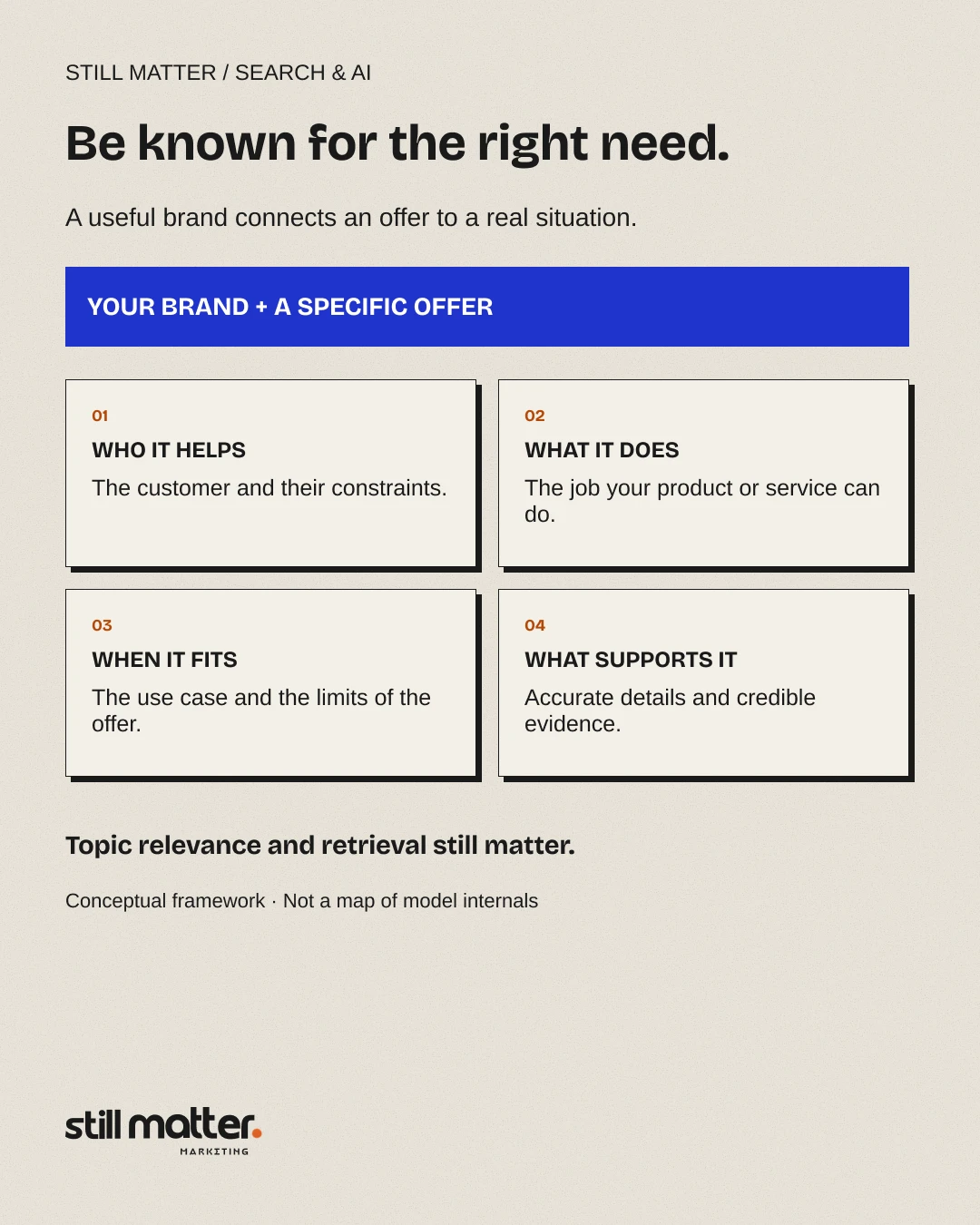
Be known for the right need.
Still Matter / Search & AI
A useful brand connects an offer to a real situation.
Your brand + a specific offer
- 01 / Who it helps
- The customer and their constraints.
- 02 / What it does
- The job your product or service can do.
- 03 / When it fits
- The use case and the limits of the offer.
- 04 / What supports it
- Accurate details and credible evidence.
Topic relevance and retrieval still matter.
Conceptual framework · Not a map of model internals
Mobile wording: “Connect your offer to a real situation.” / “Your brand + offer”
Mobile note: “Conceptual framework. Not model internals.”
Ask about one page and one search service.
Give the website specialist the exact page and the service you checked.
Ask them to report what they tested, what failed and what remains unknown.
For Google AI features, a supporting page must be indexed and eligible for a search snippet.
Meeting the requirements does not guarantee inclusion.
See Google's AI features guidance.
In Search Console, ask for the indexed result and a separate live test where needed.
The indexed result describes Google's recorded page.
A passing live test does not prove indexing.
See URL Inspection help.
- Which page and provider were checked?
- Was a specific access block or indexing issue found?
- Who controls the setting, and what change is proposed?
- How will the team verify the change and preserve existing restrictions?
For OpenAI, search and training controls are separate choices.
Have the specialist use the current crawler documentation.
Do not remove all bot restrictions to chase one mention.
Output: a bounded investigation or repair brief. If the checks show no relevant fault, use the no-established-defect branch.
Google Search Central's January 2020 introduction.
The interface may have changed. Use the current help page above for today's interpretation.
Leave uncertainty visible instead of inventing a fix.
You may find accurate facts, a clear offer and no relevant issue in the checks performed.
That still does not tell you why a particular answer omitted the business.
Write “no defect established in these checks”. That is narrower than “everything is correct” or “the platform is wrong”.
Agree what would justify reopening the issue: a false claim, a broken route or a new example with useful context.
Keep the existing evidence and choose a review date your team can maintain.
A supplier can commit to edits and checks within its control.
A guaranteed mention is not a sound acceptance test for those tasks.
Output: an observation brief with a review trigger. No website change is required just to fill the task list.
Give the next person a task they can finish.
Use one brief per correction or investigation.
Link to the existing audit entry for the answer and context; do not duplicate the whole log.
Download the plain-text correction brief. No email address or paid tool is required.
- Task and boundary
- State the fact to correct or question to investigate, the affected page and what is outside scope.
- Evidence reference
- Link to the audit entry and the record that supports the correct fact. Mark missing evidence as unknown.
- Requested change or check
- Give exact approved wording, or a question the specialist must answer. Do not prescribe an unverified technical fix.
- Owner and approval
- Name who can make the change and who confirms the facts. Use account invitations, never passwords in the brief.
- Acceptance check
- Describe the page, field or route that will be checked after the work. Keep a later AI-answer check separate.
- Review and open questions
- Agree a review date or trigger. Record what is still uncertain and who will follow up.
Keep customer details and private account data out.
For a publisher you do not control, the task may end with a documented request and a pending response.

Read diagram text
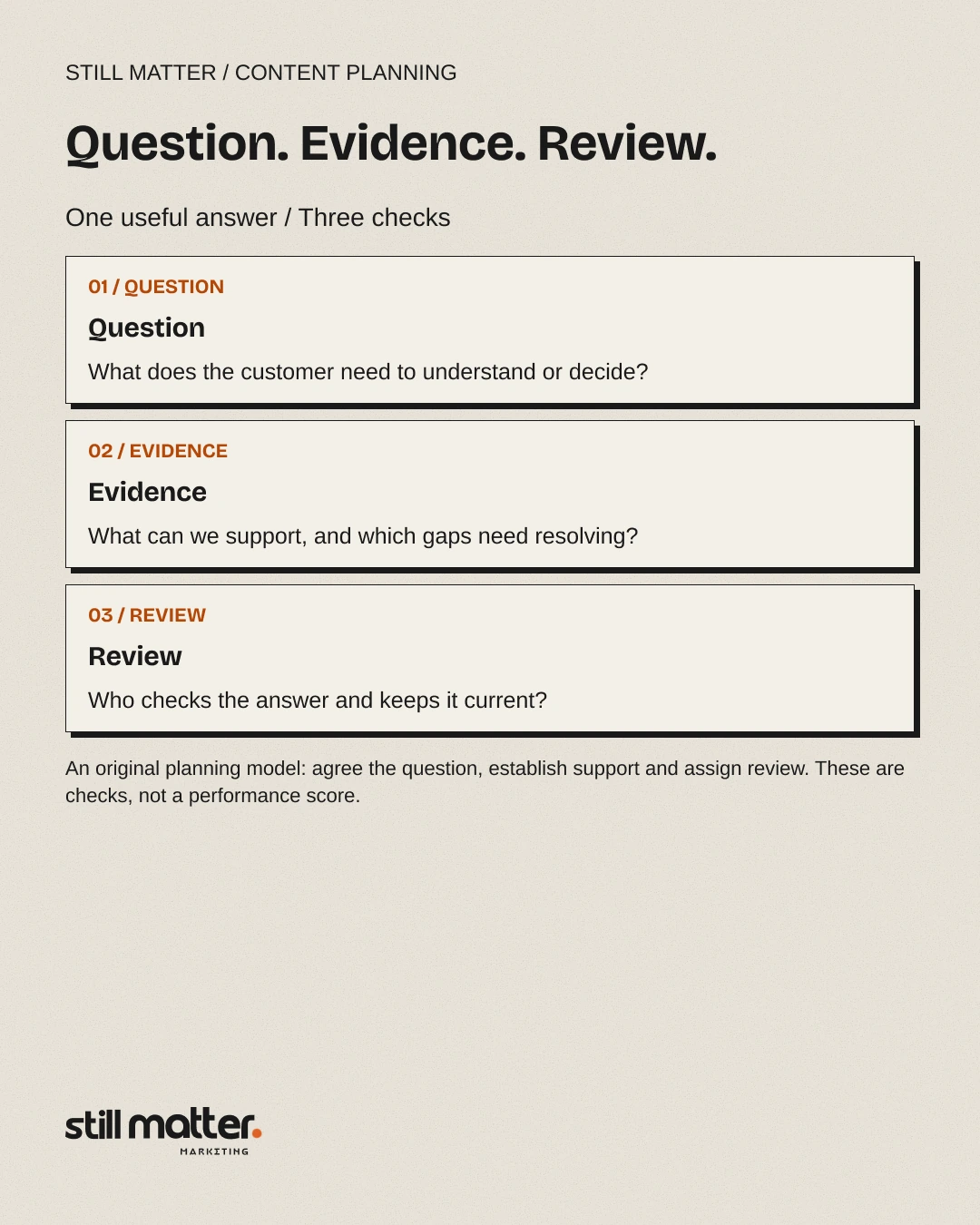
Question. Evidence. Review.
Still Matter / Content planning
One useful answer / Three checks
- 01 / Question
- What does the customer need to understand or decide?
- 02 / Evidence
- What can we support, and which gaps need resolving?
- 03 / Review
- Who checks the answer and keeps it current?
An original planning model: agree the question, establish support and assign review.
These are checks, not a performance score.
An old name needs a precise handoff.
Imagine Northline Repairs, a fictional business that now trades as Northline Home Services.
An AI answer uses the old name and links to a directory page that presents it as current.
The owner confirms the new trading name.
The current website explains the change, but the directory has not been updated.
This example illustrates a brief; it is not a client result.
- Task: request a current-name correction on the identified directory page. Older dated articles are outside scope.
- Evidence: saved answer, directory passage and the owner's approved current-name page.
- Request: use the confirmed name and link to the current contact page.
- Owner: the marketing lead sends the request; the business owner approves the wording.
- Acceptance: open the directory page and check the name and contact link after the publisher responds.
- Follow-up: recheck the saved AI question separately on the agreed date. Keep the answer result open if it still uses the old name.
If the publisher has not changed the page, record “request sent, correction pending”.
If the page changes but the answer does not, record both facts.
Neither result proves a gain or loss in inquiries.
Is it the same business or just a similar name?
An entity is the particular business or other thing being described. Entity disambiguation separates it from others with similar names. A name match alone is not enough.
For the fictional Northline example, compare the linked domain, service area and current contact details. If they belong to a different business, record the mix-up instead of asking that business to adopt Northline's name.
Structured data can describe the organization behind a website. Ask the website owner to compare that markup with the visible name and details. Google's organization markup guidance explains its use in distinguishing organizations. It is not a guarantee that an AI answer will change.
Questions before you commission a fix.
Can you tell why an AI answer left us out?
A single answer does not expose the selection process.
We can investigate specific facts, pages and access issues, then state what those checks support.
Should we rewrite the whole website?
Start with the affected page and the evidence.
A clear factual correction may need one edit.
A wider project needs a separate reason and agreed scope.
What if there is no source link?
Save that limit. Check your own current facts, but do not attribute the answer to a guessed source.
How is this different from the audit?
The audit helps you collect and classify findings.
This guide routes a finding to its owner and defines a correction or investigation that can be checked.
Bring the finding, not a promise to rank.
If you need help clarifying the offer or coordinating corrections, explore Content & growth.
Bring one example and what you know about it. We can discuss the work, the owner and how to check delivery.
For the wider context, return to AI visibility for small businesses. Use the audit record when you need to gather evidence first.
Terms used in this guide.
- AI visibility
- How a business or its information appears in AI answers and search experiences.
- Citation
- A link or reference to a source. Inspect what it supports before attributing a claim to it.
- Qualified inquiry
- A request that fits the work your business can deliver, with a useful next step.
What supports this guide.
Primary guidance checked on 21 October 2026. Platform instructions apply to the named service.
- Google: AI features and your website.
- Google: URL Inspection.
- Google: edit your Business Profile.
- OpenAI: crawler controls.
The decision tree and brief are Still Matter's working method.
The reused diagrams are conceptual, not a view of model internals.
Northline is fictional.
No ranking, citation or business outcome is promised.

Written by Jake Tripp
Founder of Still Matter. Brand strategy and hands-on marketing for small and growing businesses.